
To log in to Subbic, you must have first been set up as a user on the system, either by your primary user (often someone on the marketing team) or by the Subbic team. If you’re not sure if you have a login, ask your primary user to check by going to the People section on the menu.
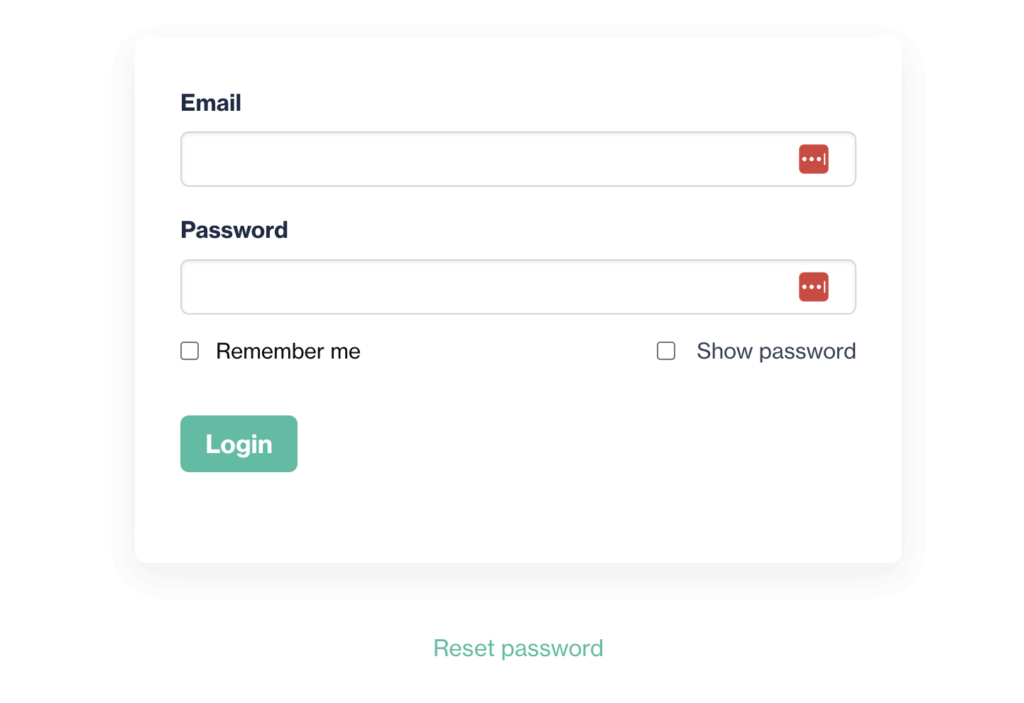
To log in to Subbic go to https://app.subbic.com/login/ and enter your email and password.
Two-factor authentication
If two-factor authentication (2FA) is enabled for your account, you will be sent an email or SMS with a verification code, or need to use an authenticator app, depending on your settings. These can be managed at any time in your user profile, which you can access by clicking your name at the top of any page when logged in.
Resetting your password
If you’ve forgotten your password, or never had one in the first place, click Reset password under the login form and follow instructions.
Lockouts
If you, or someone using the same network, tries too many incorrect passwords in a short space of time, you may be shown a message telling you are locked out. This is a security measure to stop brute force attacks on our login page. If that happens to you, please wait 15 minutes and try again. If you still can’t get in, then go to https://www.whatsmyip.org/ and copy the IP address it gives you at the top of the page; then send an email to support@subbic.com, explain what happened and include the IP address.
Other issues
If the 2FA email doesn’t arrive, or you have any other issues attempting to log in, please email us at support@subbic.com.